Release Notes for the IQ Bible App v1.13.0
IQ Bible App 1.13.0 — what’s new since 1.11.0
Released 2026-08-31
Two things happened in this release. The IQ Bible API caught up on a long list of study features the app had been waiting on, so a batch of those landed at once (1.12.0). And the mobile bottom of the app — which had quietly turned into a pile of overlapping chrome — got taken apart and put back together (1.13.0).
Here’s the whole picture.
Reading and study
About This Chapter
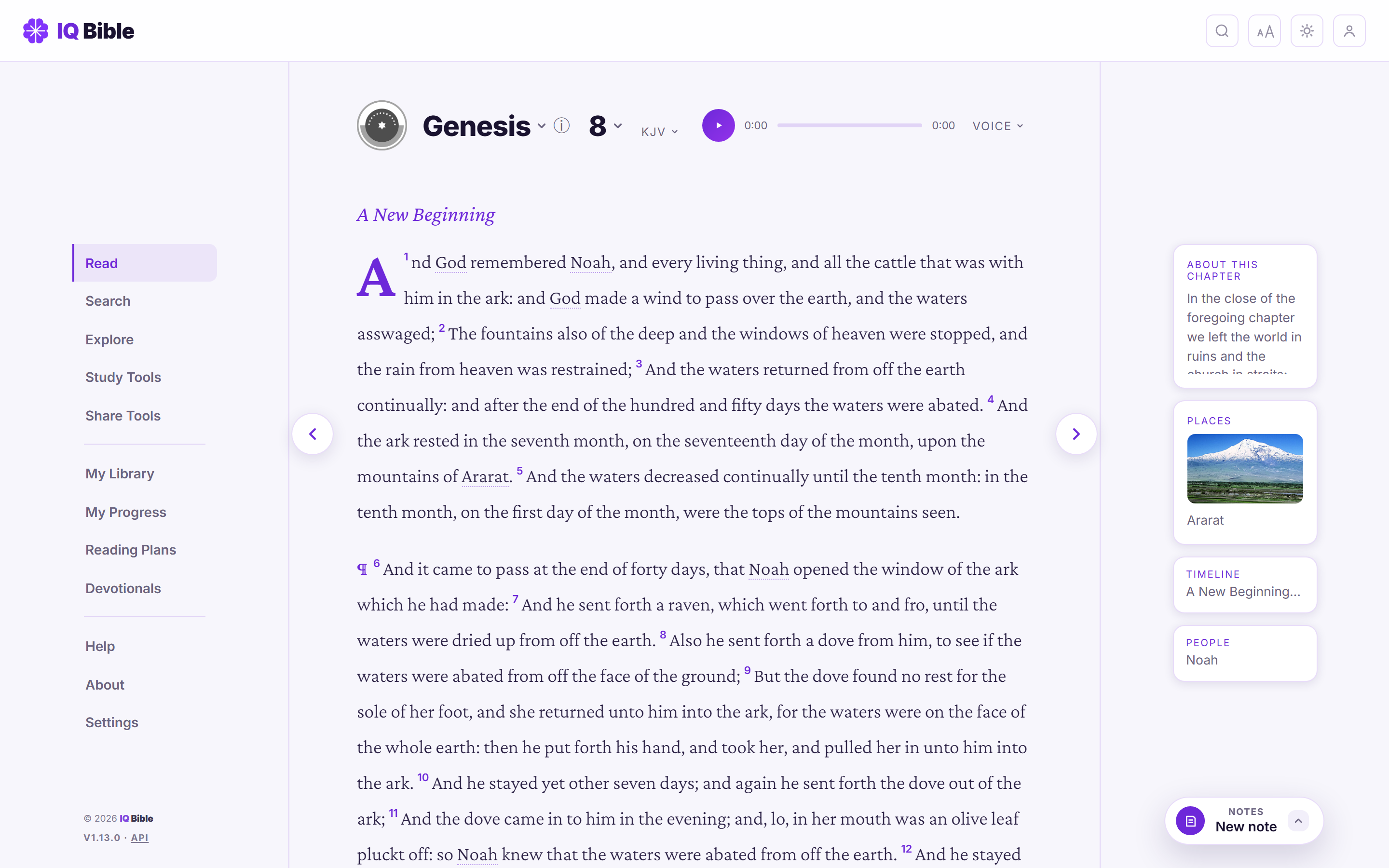
There’s a new card beside the reading column: a short overview of what the chapter is about — the “argument of the chapter” from a classic public‑domain commentary — with the commentator credited and every Scripture reference in it hover‑previewable.
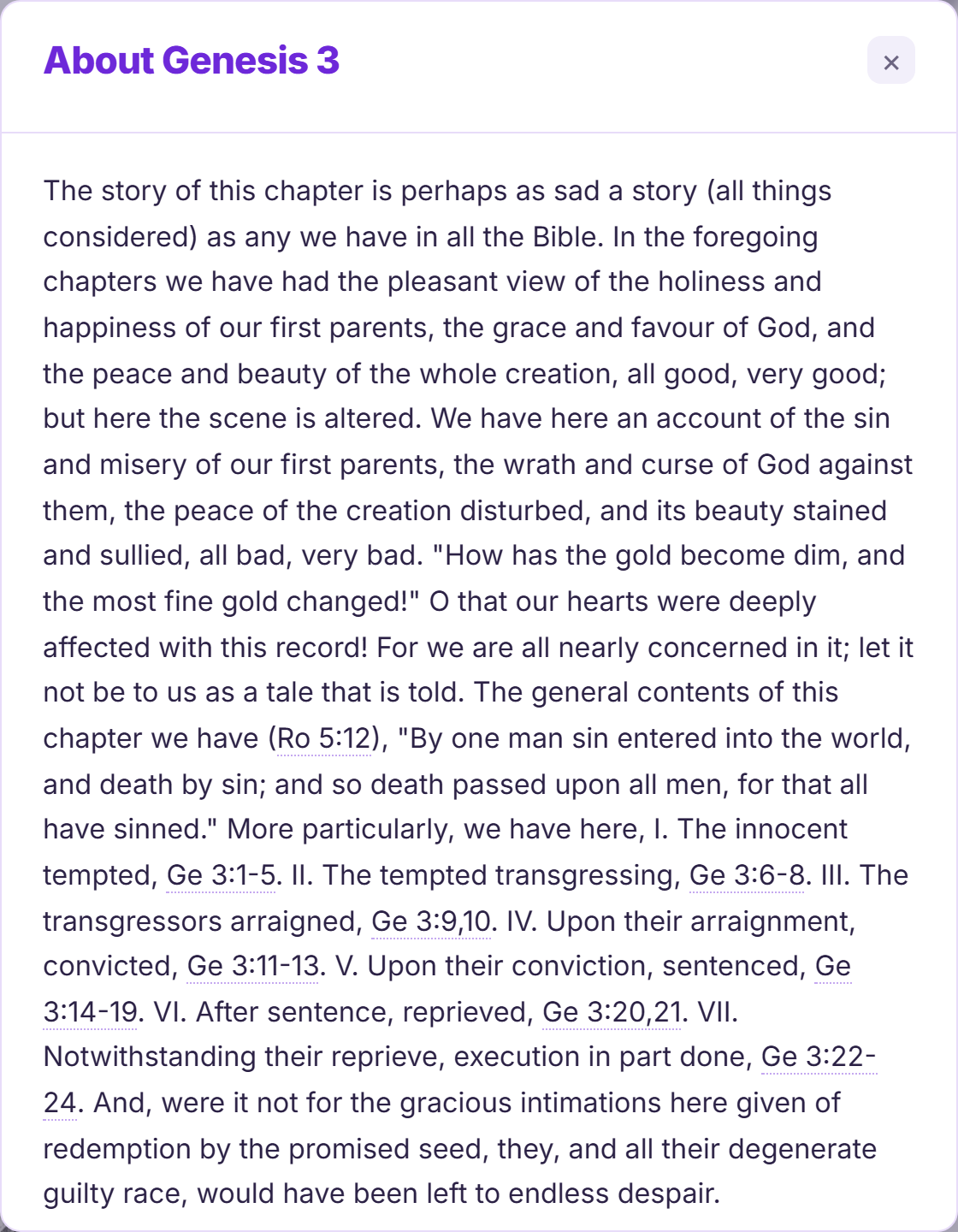
Where more than one commentator wrote an introduction for that chapter, a switcher lets you compare them. It isn’t available for the deuterocanonical books (Matthew Henry and Gill are protestant‑canon only, and no public‑domain source wrote chapter arguments for Tobit, 1 Maccabees and the rest).
The Timeline puts you on it
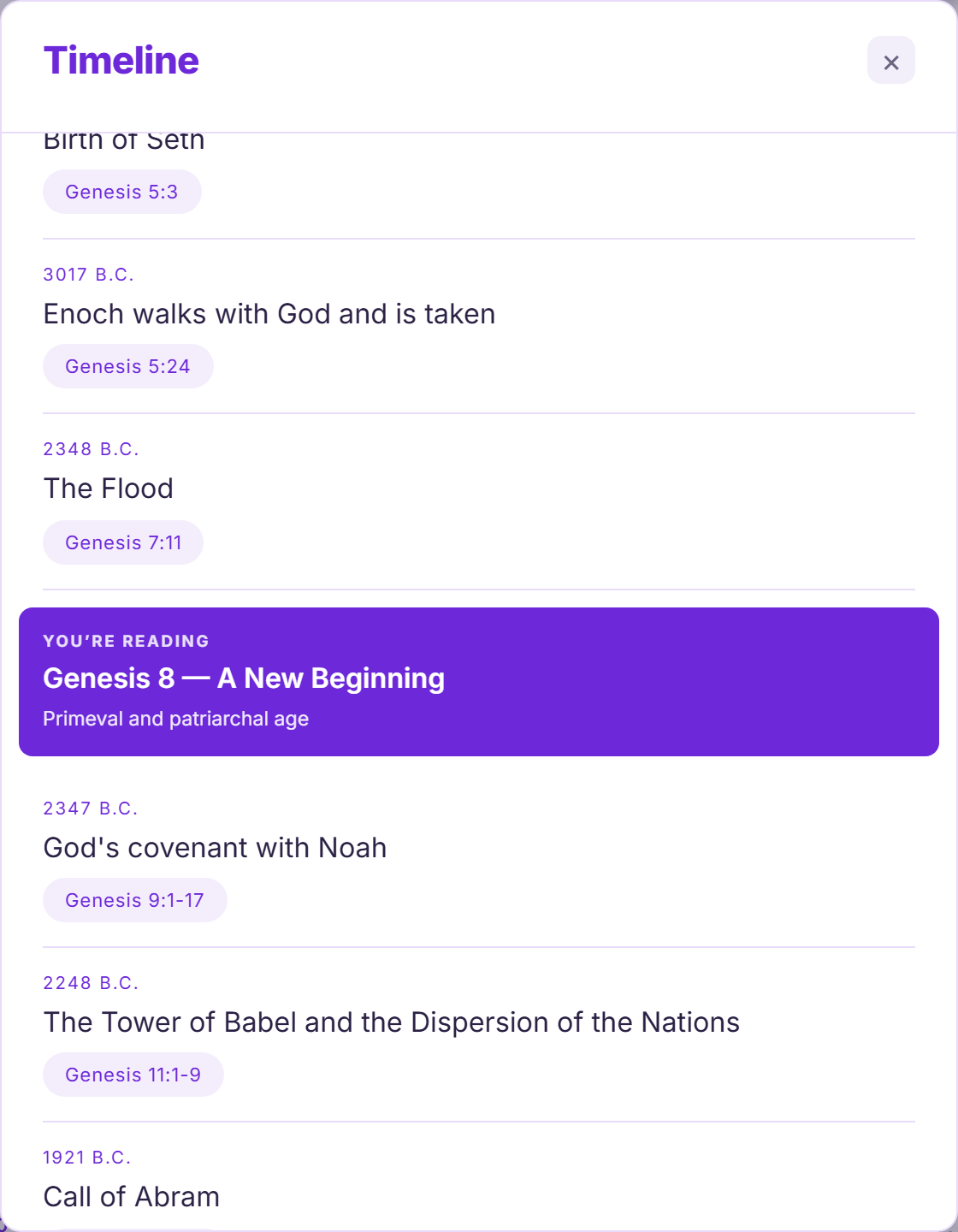
Open the Timeline for a chapter and there’s now a bold “You’re reading” marker slotted into the events at that chapter’s place on the timeline — its own dated event when it has one, otherwise the chapter’s story title and era at its chronological position — scrolled into view when the panel opens. It used to be a single line of text above the list that scrolled straight out of sight.
The full timeline is canon‑aware now, too. On a translation that includes the deuterocanon, the Maccabean‑era events carry their 1–2 Maccabees references; a Protestant reader still correctly sees them reference‑less. And a handful of secular world‑history anchors (Rome founded, Vesuvius, Caesar) are woven in by date, shown in a lighter style, for a feel of the period.
People, resolved to the right person
Tap a name in the People card — or one of a person’s family chips — and you now get the exact individual, not whichever namesake happens to sort first. In Revelation 12, “Michael” opens the archangel, not the spy from Numbers 13. Genesis 8 → Noah → “Naamah” opens Naamah the daughter of Lamech, not the later Ammonite queen. When a name genuinely is shared and there’s no way to tell which is meant, an “other people named …” row lists the alternatives.
The deuterocanonical books get People cards for the first time — Tobit, Judith, 1–2 Maccabees, Sirach, Susanna, Bel and the Dragon — on a translation whose canon includes them, marked “Deuterocanonical” in the detail view. And “first appearance” / “last appearance” are now a person’s actual first and last mention in Scripture.
(The old “Key Events” list is gone: it was matched to a topical index by bare name, which merged different people who share one, and its labels were garbled. There’s no reliable per‑person source for it yet.)
Smaller study wins
- Bible Atlas descriptions now come from a dictionary entry matched to each place by its own Scripture citations — so “Ai” resolves to the Canaanite city of Joshua, not the village in Jeremiah.
- Commentary pickers (Verse Tools ▸ Commentary, Study Tools ▸ Book Guide) list only the sources that actually have something for the verse — or, for a book introduction, the ones that wrote one — instead of every source that touches the book plus an empty panel when you pick the wrong one.
- Following a reference your translation can’t show — a deuterocanonical verse, or an extra chapter a larger canon adds (Daniel 13–14, the Prayer of Azariah) — now offers to switch you to a translation that has it, by name (“King James Version + Apocrypha includes Wisdom. Switch to it and go to Wisdom 3:1?”), instead of dropping you on an error.
- Citations spelled out in prose — “1 Maccabees 1:1”, “Sirach 2:4” — are recognised and hover‑previewable now, not just their short codes. Previews resolve against the translation you’re reading. Verses you add to a note remember which translation they came from.
- Full‑text search tells you when a query word was a stop‑word or too short for the index, and an exact‑phrase search actually holds the exact wording now.
A cleaner phone
If you mostly read on a laptop, this section changes nothing for you. On a phone, the bottom of the app was three stacked layers: a footer nav, a tiny notes pull‑tab wedged on its top edge, and — for versions with narration — a floating audio pill hovering above both.
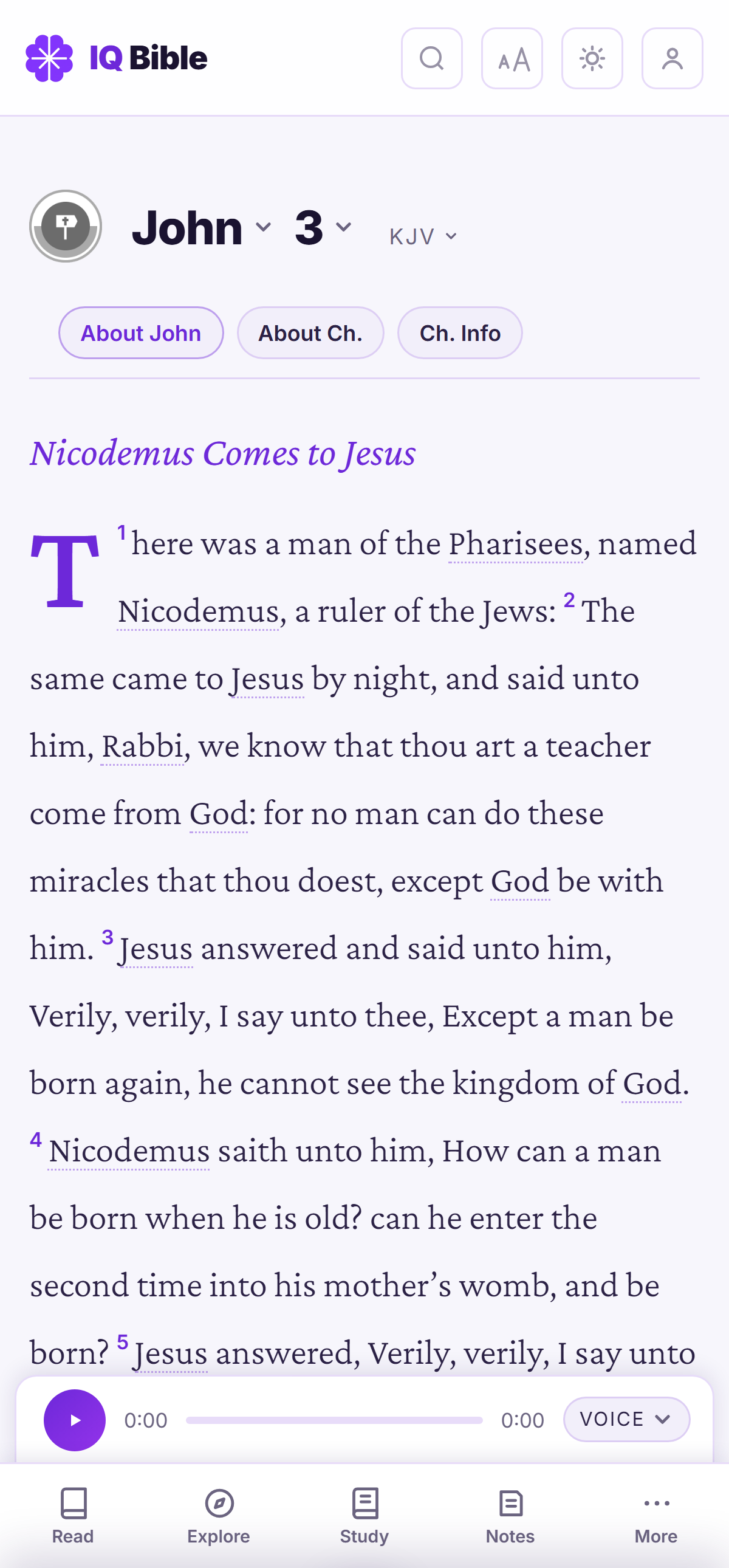
Notes is a tab
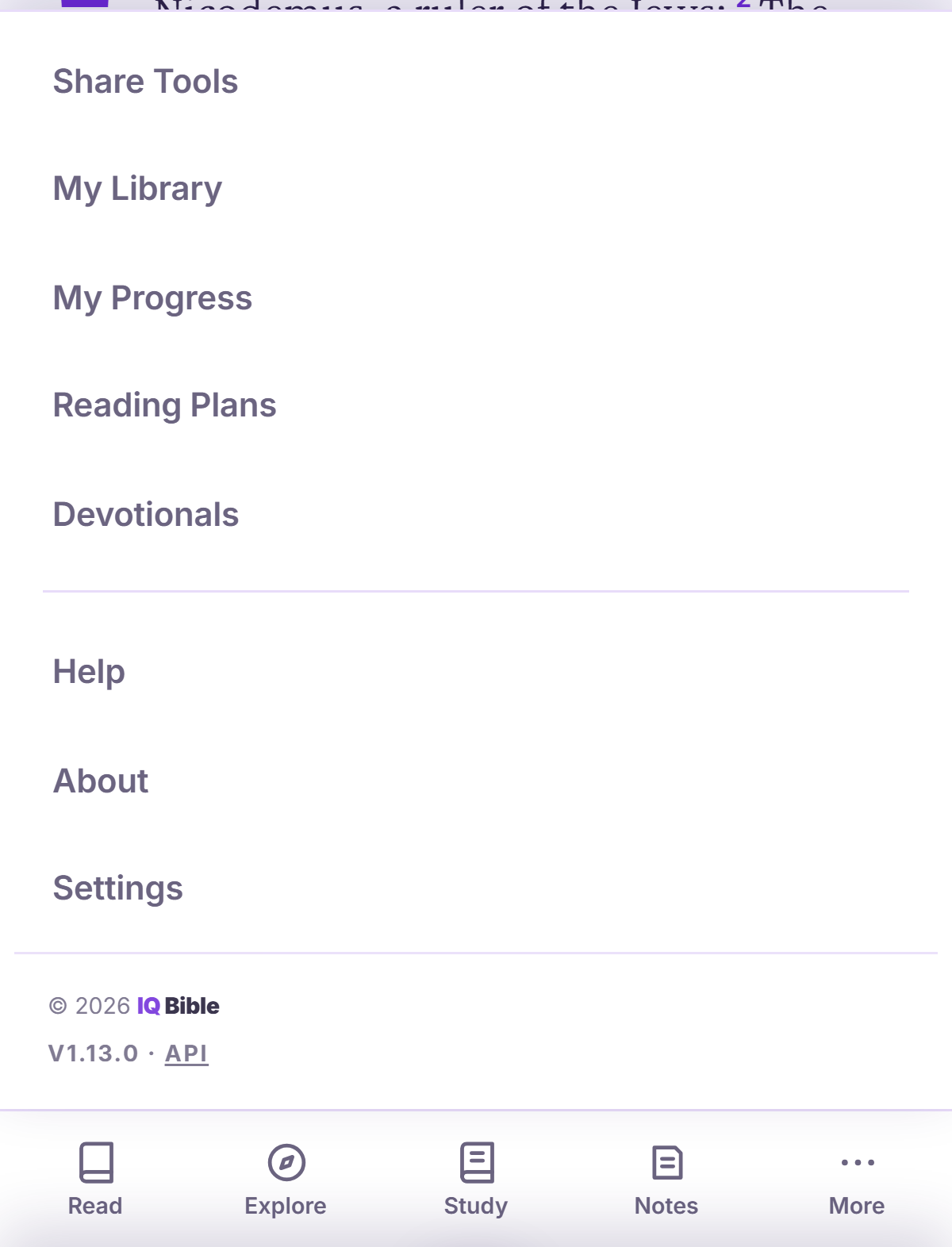
The Notes button used to be a 26‑pixel grey nub — the feature people use most, and the hardest thing in the app to find. Now it’s a proper tab: Read · Explore · Study · Notes · More.
Share Tools moved into the More menu — it’s a Verse Tools action first and a destination second.
The audio player, docked and aligned
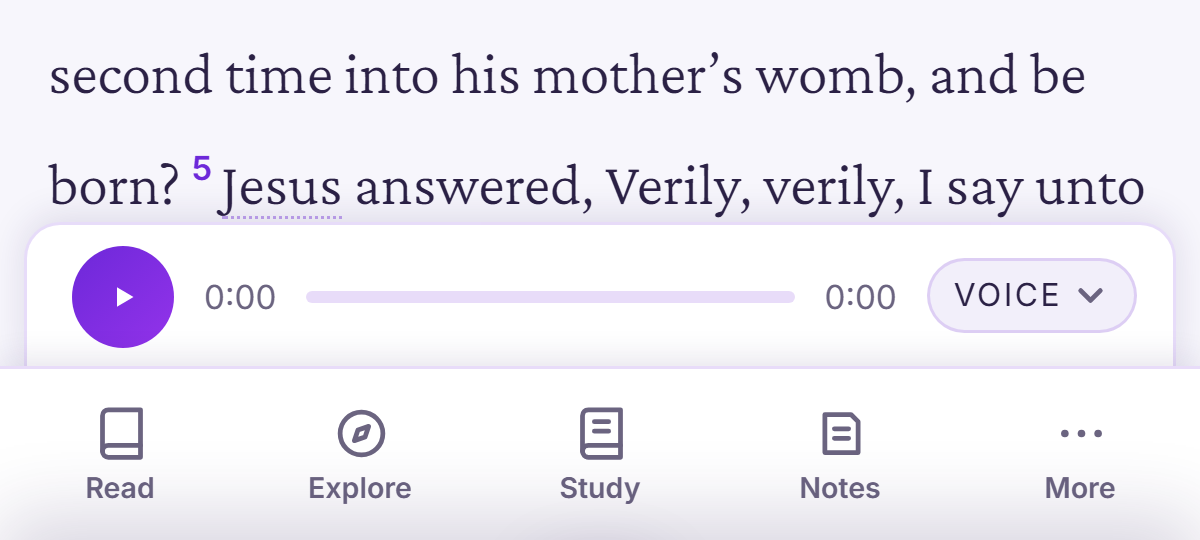
When a version has narration, the player is a bar docked directly above the nav — full controls visible, no floating, no tapping to expand — with its play button lined up over the Read tab. It slides out of the way as you scroll into the text and slides back when you scroll up. The voice picker is a real Voice button now (with the narrator’s name where the recording provides one), and only shows when a version has more than one recording.
Chapter context: three chips under the pickers
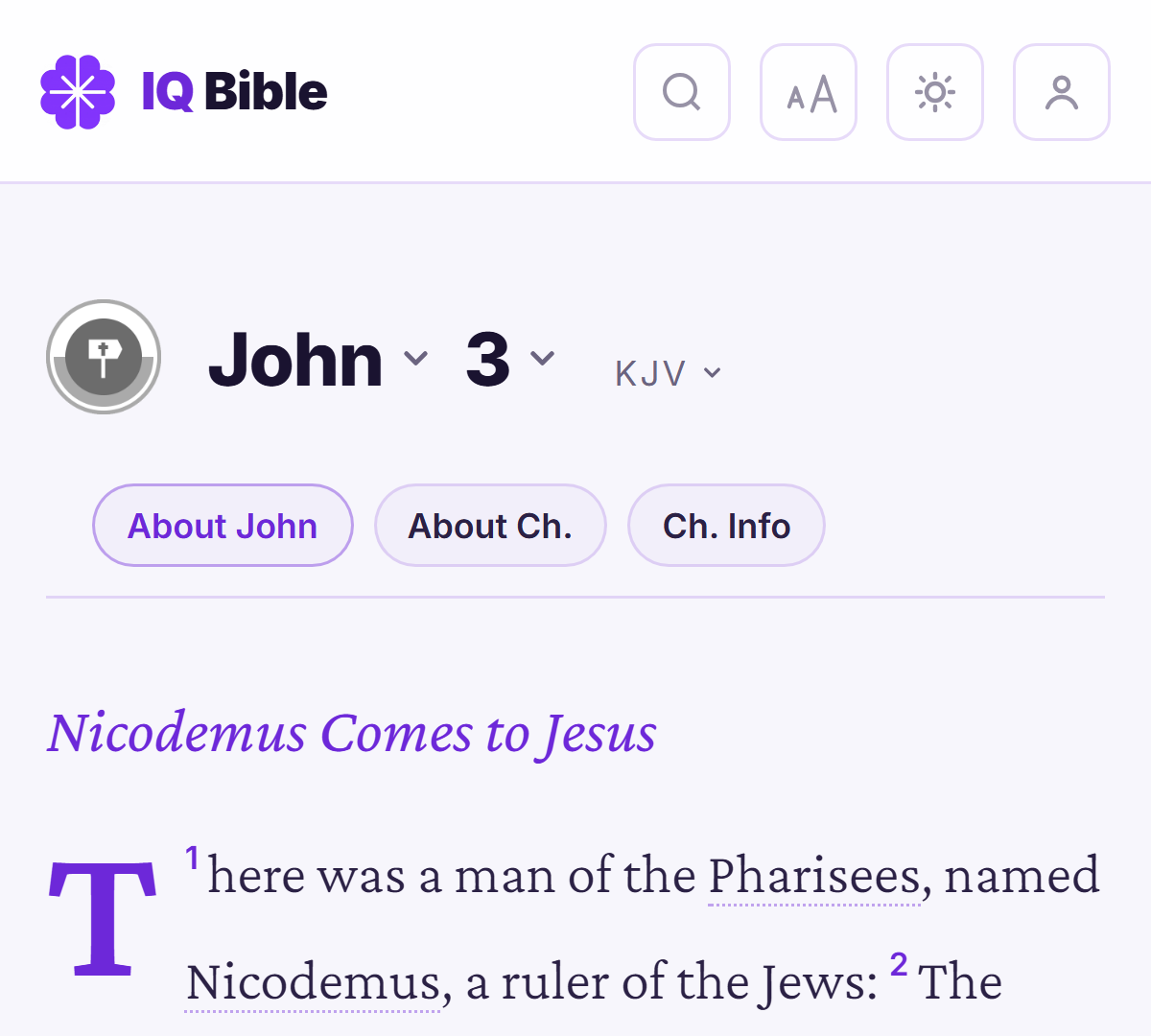
The little 2×2 grid icon and a second mystery “ⓘ” button are gone. In their place, three plain chips right under the pickers:
- About <book> — the book’s introduction and themes
- About Ch. — the chapter overview
- Ch. Info — the places (with maps), people, prophecy fulfillments and timeline for the chapter
They’re part of the sticky header, so they slide away and come back with the pickers as you scroll — one tap away, never in the way.
For contributors
The service worker is now a pass‑through when the site is served from localhost / 127.0.0.1,
so a local checkout picks up every edit on the next reload — no more “reload twice” to see a CSS
change. There’s also a new serve.py: a zero‑dependency static server with the SPA fallback that
deep links like /gen/3 need, for when npx isn’t set up.
See CHANGELOG.md for the itemised list.